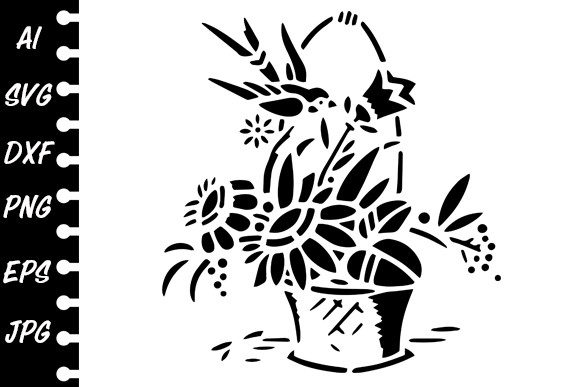
Stencil Floral: Your Gateway to Beautiful, Custom Crafting
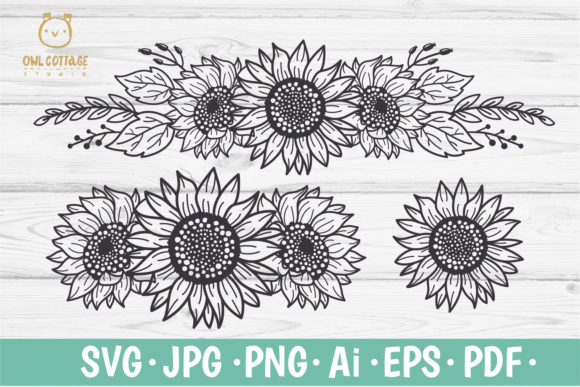
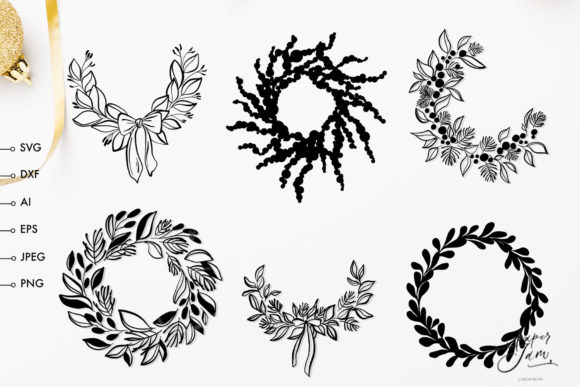
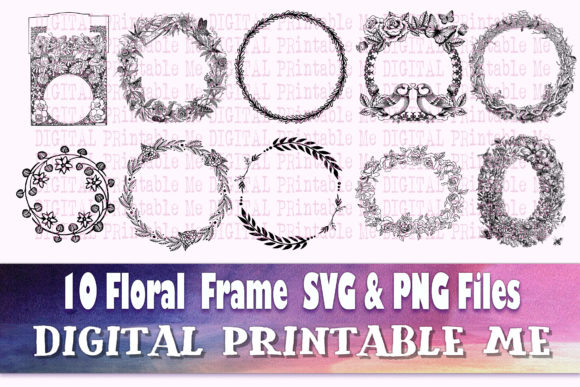
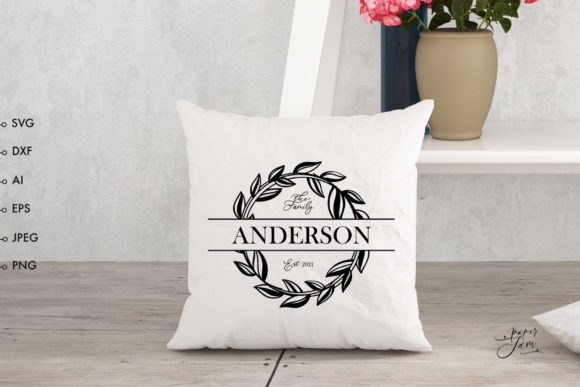
Imagine having a versatile toolkit of elegant floral designs that you can instantly apply to dozens of creative and professional projects. That’s the promise of a digital Stencil Floral bundle. It’s more than just pretty graphics; it’s a collection of adaptable files designed for cutting machines and plotters, enabling you to make stickers, decorate clothing, create branded logos, or add charm to your home decor with precision and ease.
Understanding What You're Actually Buying
The core product is a digital download, not a physical item. This is a crucial first detail many newcomers overlook. When you purchase a Stencil Floral pack, you receive a ZIP archive containing several different file formats. Each format serves a specific software or machine, and choosing the wrong one can stop your project before it even begins.
For instance, you’ll typically find SVG files for software like Silhouette Designer Edition and Cricut Design Space. DXF files cater to Silhouette Basic users. AI and EPS files are for Adobe Illustrator or Corel Draw. PNG and JPG files offer raster images for general graphic work. If you download the ZIP, extract it, and try to open an SVG file in the free Silhouette Studio software, you’ll encounter an error because that version doesn’t support SVG. This simple mismatch can lead to frustration and a feeling that the product “doesn’t work,” when really, you just need to select the correct DXF file from your extracted folder.
The Critical Pre-Purchase Checklist
Before clicking “buy,” a little preparation prevents wasted time and money. Your most important step is knowing exactly what digital file formats your equipment and software require.
First, identify your primary tool. Are you using a Cricut Explore, a Silhouette Cameo, or perhaps just graphic software like Photoshop or Inkscape? Your machine dictates the best file type. Second, verify your software version. As mentioned, the free version of Silhouette Studio has limitations. If you rely on it, you must ensure the bundle includes DXF files. Third, consider your project scope. If you plan to scale a design for a large wall decal or shrink it for a delicate jewelry piece, vector files (SVG, AI, EPS) are essential because they scale without losing quality. PNG files, while handy, are fixed-resolution.
A Common Oversight: Assuming All Files Are Equal
Many creators assume every file in the bundle will yield the same result. This isn’t the case. The JPG file, for example, comes with a non-transparent background. If you intend to make a sticker, layering that JPG onto a new design requires careful cropping. The PNG with a transparent background is immediately more usable for such tasks. By understanding the strengths of each format, you select the right tool for the job, leading to cleaner results and less editing time.
Streamlining Your Download and Setup Process
The process from purchase to project can be seamless if you follow a reliable method. After downloading the ZIP file, your computer might try to open it directly. Instead, always extract (or “unzip”) the files to a dedicated folder on your computer. Keeping them extracted ensures your design software can access them properly.
Next, open your design studio (like Silhouette Studio or Cricut Design Space). Instead of dragging and dropping, use the software’s formal import function: Click “File,” then “Open,” and navigate to the folder containing your extracted Stencil Floral files. Here, you’ll select the specific file format you need. This structured approach avoids software glitches and file corruption that can happen with more haphazard methods.
From Digital File to Finished Product: Avoiding Application Pitfalls
Even with the correct file open in your software, small mistakes in application can affect the final product’s quality. One typical error is not checking the cut lines before sending a design to your plotter. In vector files, stencil designs often have intricate, connected paths. Use your software’s preview function to ensure all lines are recognized and that no elements are disconnected, which could result in a fragmented cut.
Another overlooked detail is material choice. A delicate Stencil Floral design with fine lines might tear if cut on thick cardstock without adjusted settings, yet it could be perfect for vinyl or heat-transfer material for clothing. Test a small section of your design on your intended material with your machine’s recommended settings before committing to a full cut. This practice saves material and ensures your floral motif looks crisp and professional.
Maximizing Value Across Multiple Projects
The true value of a Stencil Floral bundle lies in its versatility, but users sometimes pigeonhole it for a single use. Think beyond the first project. The same floral SVG used for a wedding invitation sticker could, with color changes and scaling, become a logo for a boutique florist’s website, an element in a digital scrapbook, or an etched design on a wooden coaster. By approaching the files as a modular design system, you stretch your investment and build a cohesive visual style across your personal or professional work.
Ensuring Professional Results for Business Use
If you’re an entrepreneur or small business owner using these files for logos, branded merchandise, or web graphics, additional vigilance is needed. Always check the license terms of the Stencil Floral product. Most digital stencils are sold for commercial use, but confirming this protects you from legal issues. Furthermore, for logo creation, simplify the design. A complex floral stencil might need refinement to be effective as a readable, scalable logo. Use the AI or EPS file in professional software like Adobe Illustrator to remove overly intricate details, ensuring the logo remains strong at any size.
By treating your Stencil Floral files as a foundation—not a final, unalterable product—you empower yourself to create unique, adapted assets that stand out in a crowded market.
Your Path to Successful Creation Starts Here
Embracing a digital Stencil Floral collection opens a world of creative possibility. The key is moving from a passive downloader to an informed user. By verifying your software formats, methodically extracting and importing files, understanding the nuances of each file type, and testing applications on your chosen materials, you transform a bundle of digital images into a reliable toolkit. This proactive approach turns potential frustration into fluid creativity, allowing you to consistently produce beautiful, high-quality work that reflects your vision, whether you’re a hobbyist making gifts or a professional building a brand.